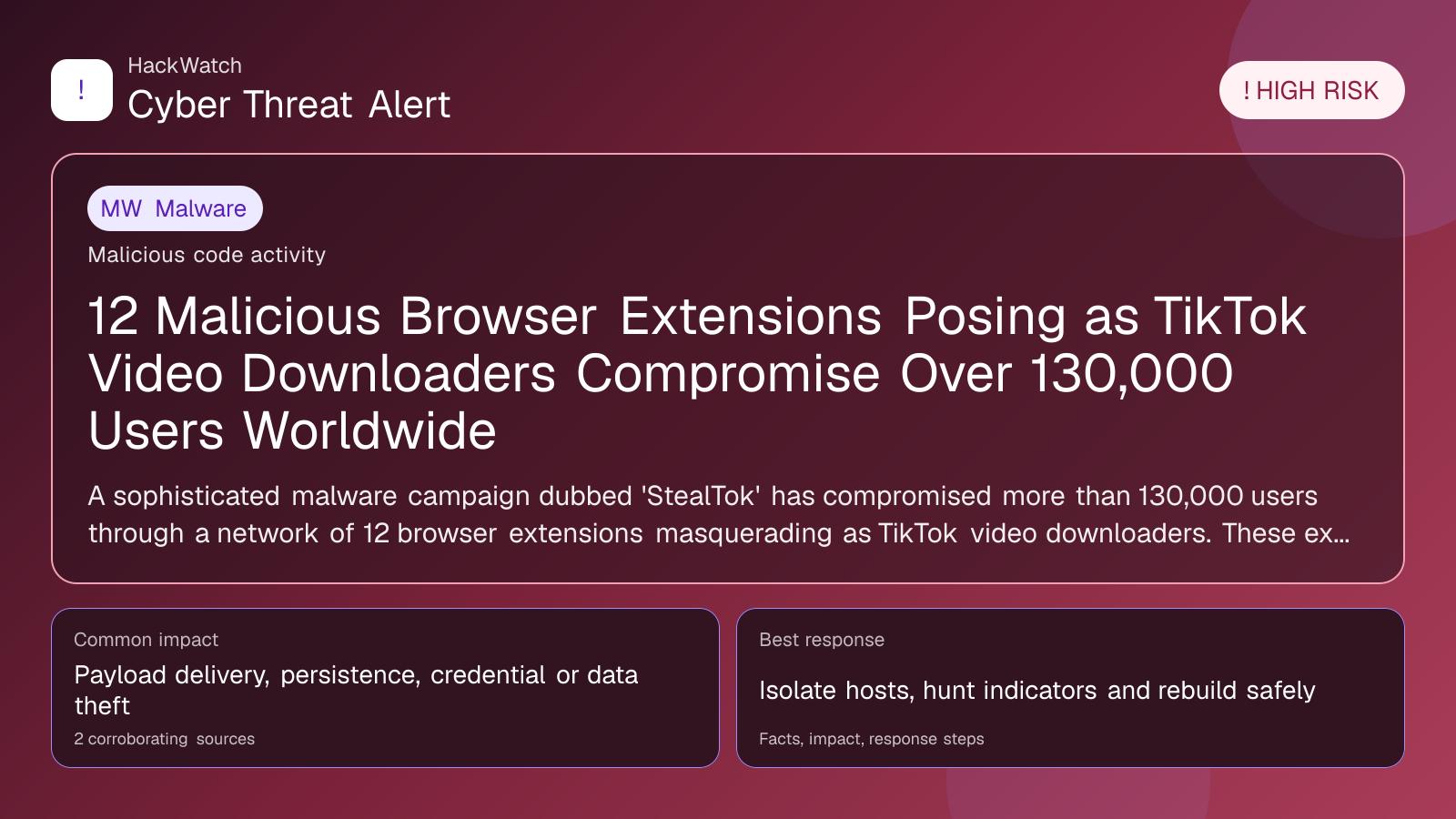
12 Malicious Browser Extensions Posing as TikTok Video Downloaders Compromise Over 130,000 Users Worldwide
Malware coverage focused on infection paths, containment steps and indicators defenders should watch.

Published: Apr 21, 2026
Updated: May 01, 2026
Incident status: Active threat
Corroborating sources: 2
Technical review credentials: Security+ evidence | RHCSA evidence | JNCIS-SEC evidence
Trust note:This alert is maintained under HackWatch's editorial policy, with visible source records, a named responsible editor and a correction channel for disputed facts.
The published article is checked against public sources before publication, and material corrections are reflected in the article update date.
Technical reviewer note: Marcin Pocztowski reviewed this alert on May 01, 2026 as a network administrator, looking first at device role, exposed management planes, VPN or routing impact and the order in which changes can be made without breaking production traffic. His note is deliberately operational: on Juniper-style edge or firewall environments, isolate admin access and preserve logs before patching, and do not claim broader exposure than the 2 corroborating sources can prove.
Review our editorial policy or send corrections to [email protected].
Active threat. The incident should still be treated as active until confirmed mitigation or patch adoption is verified.
A sophisticated malware campaign dubbed 'StealTok' has compromised more than 130,000 users through a network of 12 browser extensions masquerading as TikTok video downloaders. These extensions, active on Google Chrome and Microsoft Edge, secretly tracked user activity and harvested sensitive data.
What happened
In early 2026, cybersecurity researchers from LayerX Security uncovered a large-scale malware campaign named "StealTok," involving at least 12 interrelated browser extensions that impersonated TikTok video downloaders. These extensions were distributed primarily through the Google Chrome Web Store and Microsoft Edge Add-ons platform, targeting users looking to save TikTok videos offline.
Once installed, the extensions covertly tracked user browsing activities and harvested sensitive information, including login credentials and personal data, without user consent. The campaign has compromised over 130,000 users globally, with approximately 12,500 active installations still present at the time of discovery.
Confirmed facts
- Number of malicious extensions: 12 distinct but interconnected browser extensions.
- Target platforms: Google Chrome and Microsoft Edge browsers.
- User impact: Over 130,000 users compromised worldwide.
- Active installations: Around 12,500 extensions remained active as of April 2026.
- Malware behavior: Stealthy tracking of user activity, data harvesting including credentials, and potential for further exploitation.
- Discovery: Identified and reported by LayerX Security in April 2026.
Who is affected
The primary victims are users who installed browser extensions marketed as TikTok video downloaders. These users are typically active TikTok consumers seeking to download content for offline viewing. The extensions’ presence on official browser stores lent them credibility, leading to widespread adoption.
Affected users span multiple countries, with no specific geographic concentration, reflecting TikTok's global popularity. Both casual users and content creators who frequently download videos are at risk. Additionally, any accounts or personal data accessed via the compromised extensions could be exploited for identity theft, phishing attacks, or account takeovers.
What to do now
If you have installed any TikTok video downloader extensions recently, especially from the Chrome Web Store or Edge Add-ons, immediately:
- Uninstall all TikTok video downloader extensions from your browsers.
- Change passwords for your online accounts, prioritizing those linked to your browser or TikTok.
- Enable two-factor authentication (2FA) on all critical accounts.
- Run a comprehensive malware scan using reputable antivirus or anti-malware software.
- Monitor your accounts for unusual activity, including unauthorized logins or transactions.
- Avoid installing browser extensions from unverified sources and check user reviews and permissions carefully.
How to secure yourself
- Verify extension legitimacy: Only install browser extensions from verified developers with strong reputations and high user ratings.
- Limit extension permissions: Review permissions requested by extensions; avoid those requesting excessive access.
- Regularly audit installed extensions: Periodically check your browser’s extensions and remove those you no longer use or trust.
- Use password managers: Employ password managers to generate and store complex passwords, reducing the risk of credential theft.
- Keep software updated: Ensure your browser and security software are up to date to protect against known vulnerabilities.
- Be cautious with video downloader tools: Prefer official or well-known apps rather than browser extensions for downloading content.
FAQ
How can I tell if I was affected by the StealTok browser extensions?
Check if you have installed any TikTok video downloader extensions from Chrome Web Store or Edge Add-ons since late 2025. If you notice unusual account activity or browser behavior, consider yourself potentially affected.
Are all TikTok video downloader extensions unsafe?
No, not all are malicious. However, the StealTok campaign involved specific extensions that were verified as malicious. Always verify the developer and user reviews before installing.
Can malware from extensions steal passwords?
Yes, malicious extensions can capture keystrokes, intercept credentials, and send them to attackers.
What browsers are vulnerable to this campaign?
The campaign targeted Google Chrome and Microsoft Edge browsers.
Should I stop using TikTok video downloaders altogether?
Not necessarily, but use trusted, official tools or apps and avoid browser extensions with questionable origins.
How do I remove malicious extensions?
Go to your browser’s extensions or add-ons settings, locate the suspicious extension, and uninstall or remove it.
Is enabling two-factor authentication effective?
Yes, 2FA adds an extra layer of security even if your password is compromised.
Can antivirus software detect these malicious extensions?
Modern antivirus and anti-malware solutions can detect some malicious extensions, but manual vigilance is crucial.
What if I shared sensitive information while the extension was active?
Immediately change your passwords, enable 2FA, and monitor your accounts for any unauthorized activity.
Why this matters
This incident highlights the increasing sophistication of cybercriminals exploiting popular social media trends and user behaviors. Browser extensions, often perceived as harmless utilities, can become potent attack vectors when weaponized.
The StealTok campaign demonstrates how attackers leverage user trust in official platforms to distribute malware at scale, compromising vast numbers of users silently. The breach of sensitive user data not only threatens individual privacy but also fuels broader cybercrime activities like identity theft and account takeovers.
Understanding this threat landscape is critical for users and organizations alike to adapt security practices, enforce stricter controls on browser extension ecosystems, and raise public awareness.
Sources and corroboration
This article is based on multiple corroborated reports primarily from LayerX Security’s detailed analysis and the April 21, 2026, report published by CybersecurityNews.com. Additional insights were drawn from official statements by Google and Microsoft regarding their response to the incident.
- https://cybersecuritynews.com/browser-extensions-as-tiktok-video-downloaders/
- LayerX Security internal threat analysis (April 2026)
- Google Chrome Web Store security updates (April 2026)
- Microsoft Edge Add-ons platform security advisories (April 2026)
Sources used for this article
gbhackers.com, cybersecuritynews.com