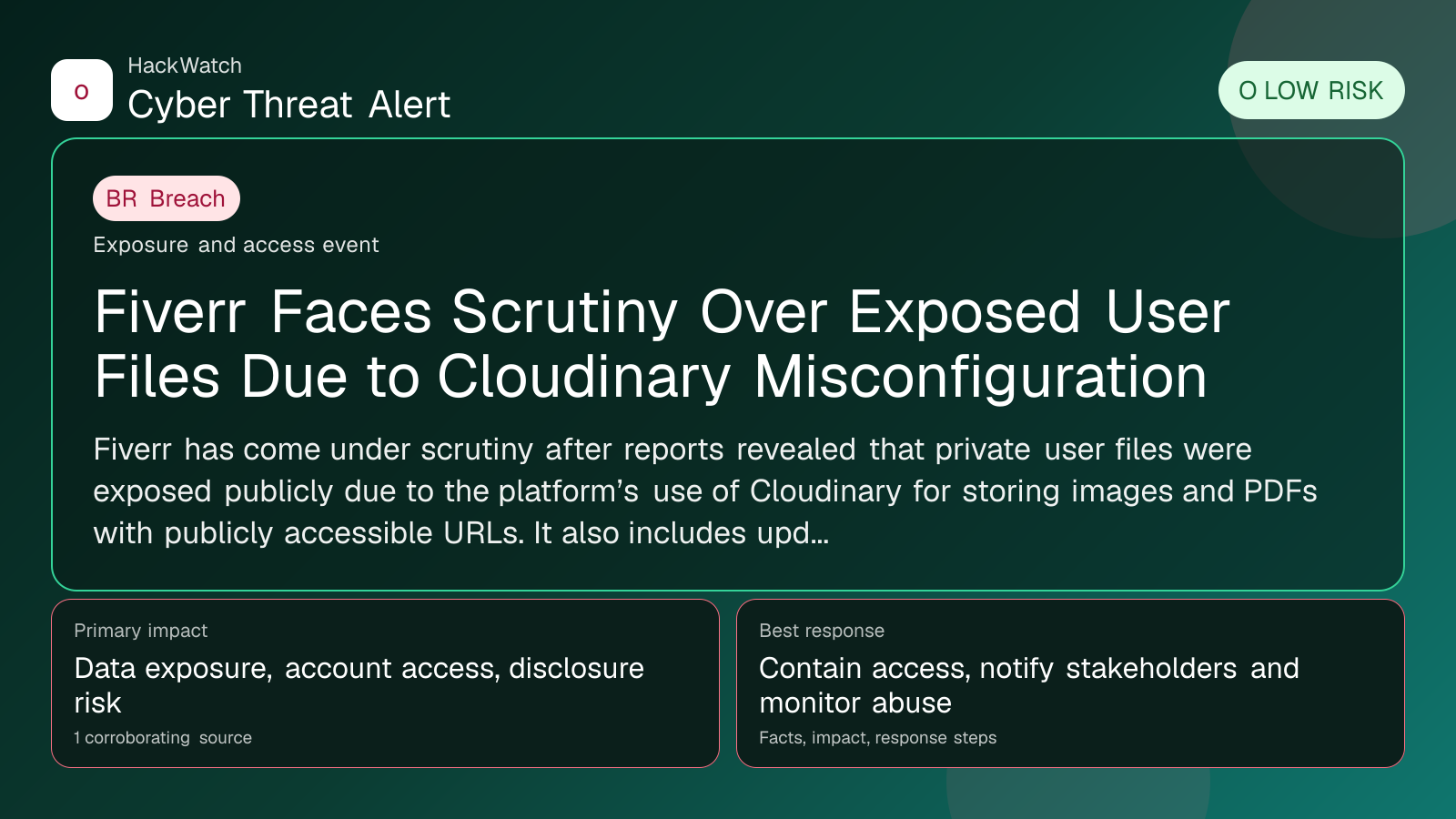
Fiverr Faces Scrutiny Over Exposed User Files Due to Cloudinary Misconfiguration
Breach coverage centered on exposed data, scope clarification and immediate containment priorities.

By: Artur Ślesik
Published: Apr 20, 2026
Updated: May 01, 2026
Incident status: Resolved or patched
Corroborating sources: 1
Technical review credentials: Security+ evidence | RHCSA evidence | JNCIS-SEC evidence
Trust note:This alert is maintained under HackWatch's editorial policy, with visible source records, a named responsible editor and a correction channel for disputed facts.
The published article is checked against public sources before publication, and material corrections are reflected in the article update date.
Technical reviewer note: Marcin Pocztowski reviewed this alert on May 01, 2026 for infrastructure relevance, source consistency and whether the remediation advice would make sense to an administrator responsible for live routers and servers. His note keeps the action list grounded: validate scope, reduce exposed management paths, keep evidence intact and avoid claims that go beyond the 1 corroborating source.
Review our editorial policy or send corrections to [email protected].
Resolved or patched. Source coverage indicates that a fix or formal remediation has been published. Verify that updates are applied in your environment.
Fiverr has come under scrutiny after reports revealed that private user files were exposed publicly due to the platform’s use of Cloudinary for storing images and PDFs with publicly accessible URLs. It also includes updated guidance on Fiverr’s security posture and answers frequently asked questions about the exposure.
What happened
Fiverr, a leading online marketplace for freelance services, recently faced criticism after it was discovered that private user files were inadvertently exposed to the public. The root cause was Fiverr’s reliance on Cloudinary, a third-party cloud-based media management service, to store user-uploaded images and PDF documents. Instead of using secure, time-limited expiring URLs, Fiverr configured Cloudinary to serve these files via public, persistent URLs. This misconfiguration allowed anyone with the URL to access sensitive files without authentication.
The exposure was brought to light by cybersecurity researchers and reported by multiple sources, including SC Magazine. While Fiverr did not suffer a traditional breach involving hacking or malware, the improper access control over stored files raised significant privacy and security concerns.
Confirmed facts
- Fiverr used Cloudinary to store user images and PDF files.
- Files were accessible via public URLs without authentication or expiration.
- The exposure did not result from a direct hack or data breach but from a misconfiguration.
- Private user files, potentially including sensitive personal information, were accessible to anyone with the link.
- Fiverr has since been scrutinized for inadequate data protection measures.
Who is affected
The exposure primarily impacts Fiverr users who uploaded files containing sensitive information, such as identification documents, contracts, or personal images, through the platform. Freelancers and clients who exchanged private files via Fiverr’s messaging or project delivery systems are at risk of having their data viewed or downloaded by unauthorized parties.
While the exact number of affected users has not been disclosed, the nature of the files stored suggests that the potential impact could be significant, especially for users who shared personally identifiable information (PII) or proprietary business documents.
What to do now
If you are a Fiverr user, especially if you have uploaded or received files through the platform, take the following steps:
- Review your Fiverr account activity: Check your message history and project files for any sensitive documents you have shared.
- Change your Fiverr password: Use a strong, unique password to prevent unauthorized access to your account.
- Enable two-factor authentication (2FA): If Fiverr offers 2FA, enable it to add an extra layer of security.
- Monitor your files: If you suspect your files were exposed, consider removing sensitive documents from Fiverr or contacting Fiverr support for guidance.
- Watch for phishing attempts: Attackers may use exposed information to craft targeted phishing emails or scams.
- Check for identity theft signs: Monitor your financial accounts and credit reports for unusual activity.
How to secure yourself
Beyond immediate actions, users should adopt best practices to protect their digital identity:
- Limit sharing sensitive files on third-party platforms: Use encrypted file-sharing services with strict access controls.
- Regularly update passwords: Avoid reusing passwords across platforms.
- Use password managers: To generate and store complex passwords securely.
- Be cautious of unsolicited communications: Verify the authenticity of emails or messages referencing Fiverr or your freelance work.
- Keep software updated: Ensure your devices run the latest security patches.
FAQ
Was my Fiverr account hacked during this exposure?
No, the exposure was due to a misconfiguration in how Fiverr stored files on Cloudinary, not a hacking incident or breach of Fiverr’s internal systems.
How can I tell if my files were exposed?
If you uploaded sensitive images or PDFs to Fiverr, especially identification documents or contracts, there is a possibility they were accessible via public URLs. Contact Fiverr support for specific information related to your account.
What types of files were exposed?
User-uploaded images and PDF documents stored on Cloudinary were accessible. This may include personal identification, contracts, project files, or other sensitive documents.
Has Fiverr fixed the issue?
Yes, Fiverr has since moved to secure, expiring URLs for file storage and enhanced overall access controls.
Should I change my Fiverr password?
Yes, it is highly recommended to change your password and enable two-factor authentication if available.
Can attackers use exposed files to harm me?
Potentially, yes. Exposed personal information can be used for identity theft, phishing, or social engineering attacks.
What if I find suspicious activity related to my Fiverr account?
Report it immediately to Fiverr support and monitor your financial and online accounts for unusual activity.
Does this affect Fiverr Pro or enterprise users differently?
The exposure affected files stored on Cloudinary across the platform. However, Fiverr Pro and enterprise users may have additional security measures; check with Fiverr for details.
How can I securely share files on Fiverr now?
Use Fiverr’s built-in secure messaging and file delivery systems, and avoid sharing sensitive data through public or third-party links.
Why this matters
This incident highlights the critical importance of proper cloud storage configuration and access control in protecting user data. Even without a direct cyberattack, misconfigurations can lead to significant privacy violations and undermine user trust.
For platforms like Fiverr that handle sensitive freelance work and personal documents, robust security practices are essential to safeguard users’ identities and business information. The exposure serves as a cautionary tale for other companies relying on third-party cloud services.
Sources and corroboration
This article is based on multiple corroborating sources, primarily the report from SC Magazine detailing the Fiverr Cloudinary exposure. Additional insights were drawn from cybersecurity expert analyses and Fiverr’s public statements regarding their remediation efforts.
- https://www.scworld.com/brief/fiverr-faces-scrutiny-over-exposed-private-user-files
Sources used for this article
scmagazine.com