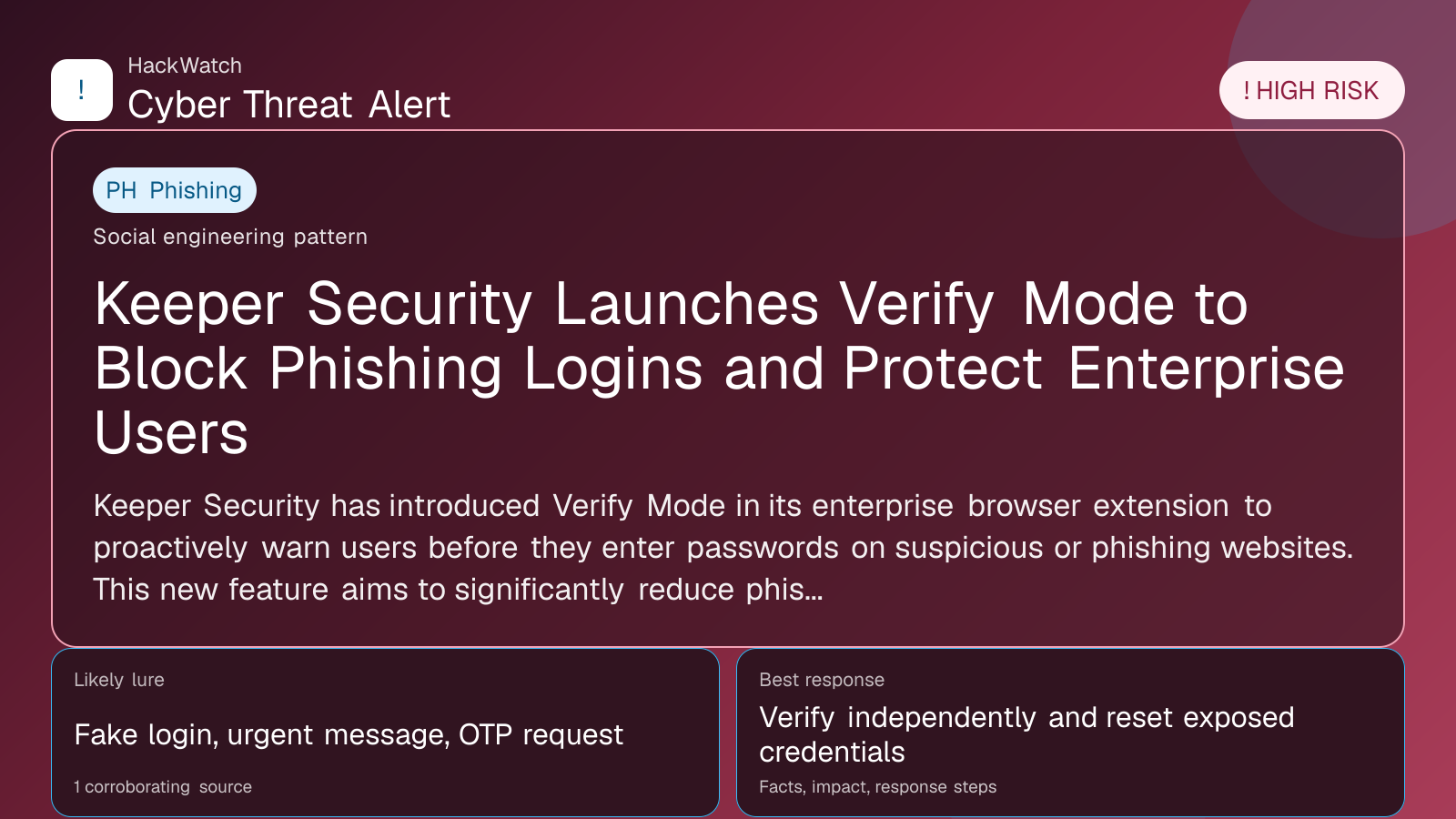
Keeper Security Launches Verify Mode to Block Phishing Logins and Protect Enterprise Users
Verification-lure coverage focused on fake messages, cloned pages and account defense steps.

By: Artur Ślesik
Published: Apr 27, 2026
Updated: May 01, 2026
Incident status: Active threat
Corroborating sources: 1
Technical review credentials: Security+ evidence | RHCSA evidence | JNCIS-SEC evidence
Trust note:This alert is maintained under HackWatch's editorial policy, with visible source records, a named responsible editor and a correction channel for disputed facts.
The published article is checked against public sources before publication, and material corrections are reflected in the article update date.
Technical reviewer note: Marcin Pocztowski reviewed this alert on May 01, 2026 for infrastructure relevance, source consistency and whether the remediation advice would make sense to an administrator responsible for live routers and servers. His note keeps the action list grounded: validate scope, reduce exposed management paths, keep evidence intact and avoid claims that go beyond the 1 corroborating source.
Review our editorial policy or send corrections to [email protected].
Active threat. The incident should still be treated as active until confirmed mitigation or patch adoption is verified.
Keeper Security has introduced Verify Mode in its enterprise browser extension to proactively warn users before they enter passwords on suspicious or phishing websites. This new feature aims to significantly reduce phishing-based account compromises by blocking unauthorized password submissions. This HackWatch alert reviews documented reporting of the feature, its impact, and actionable steps users and organizations can take to secure their credentials in 2026.
# Keeper Security Launches Verify Mode to Block Phishing Logins
What happened
Keeper Security, a leading password management and cybersecurity company, has launched a new security feature called Verify Mode within its enterprise browser extension. This feature is designed to combat phishing attacks by warning users before they enter their passwords on suspicious or potentially malicious websites. By intercepting password autofill and manual entry attempts on unverified domains, Verify Mode helps prevent credential theft, a common vector for account compromise and identity theft.
The announcement, first reported by securitybrief.in on April 27, 2026, highlights Keeper’s commitment to enhancing enterprise security posture by integrating real-time phishing detection and user alerts directly into their password management workflow.
Confirmed facts
- Verify Mode is integrated into Keeper’s enterprise browser extension, which supports major browsers such as Chrome, Firefox, and Edge.
- The mode alerts users when they attempt to enter passwords on suspicious or unrecognized websites, effectively blocking phishing login attempts.
- This feature relies on domain verification and heuristic analysis to distinguish legitimate login pages from phishing sites.
- Keeper’s Verify Mode does not just block autofill on suspicious sites but also warns users if they manually type passwords into unverified pages.
- The feature is currently available to enterprise customers, with plans to potentially expand to consumer versions.
- Keeper Security’s approach addresses the high-risk phishing attack vector, which remains a leading cause of data breaches and account takeovers globally.
Who is affected
- Enterprise users of Keeper Security’s password manager browser extension are the primary beneficiaries and users of Verify Mode.
- Organizations with remote or hybrid workforces, where employees frequently access corporate accounts from various devices and networks, are particularly impacted.
- Security teams managing identity and access management (IAM) will find this feature valuable for reducing phishing-related incidents.
- While consumer users are not currently targeted by this feature, the broader Keeper user base stands to benefit if Verify Mode expands beyond enterprise clients.
What to do now
- Enterprise IT administrators should enable Verify Mode in their Keeper Security admin consoles to ensure all users benefit from phishing login protections.
- Train employees on the importance of heeding Verify Mode warnings and reporting suspicious sites.
- Combine Verify Mode with existing multi-factor authentication (MFA) and security awareness training for layered defense.
- Regularly update the Keeper browser extension to maintain the latest phishing detection capabilities.
- Organizations should review their incident response plans to incorporate alerts generated by Verify Mode and adjust phishing simulation tests accordingly.
How to secure yourself
- Always use a reputable password manager like Keeper with phishing protection features enabled.
- Before entering credentials, verify the website URL carefully, especially if Verify Mode issues a warning.
- Enable multi-factor authentication on all critical accounts to mitigate damage if credentials are compromised.
- Keep your browser and security extensions updated to benefit from the latest security features.
- Be cautious with unsolicited emails or links requesting login information, even if they appear legitimate.
FAQ
What is Keeper Verify Mode?
Verify Mode is a security feature in Keeper’s enterprise browser extension that warns users before entering passwords on suspicious or unverified websites, helping to block phishing login attempts.
How does Verify Mode detect phishing sites?
It uses domain verification and heuristic analysis to identify suspicious websites that do not match legitimate login pages, triggering alerts before password entry.
Who can use Verify Mode?
Currently, Verify Mode is available to Keeper Security’s enterprise customers via their browser extension.
Will Verify Mode block autofill or manual password entry?
It blocks autofill on suspicious sites and also warns users if they manually type passwords into unverified pages.
Does Verify Mode replace multi-factor authentication?
No, it complements MFA by adding an additional layer of phishing protection but does not replace the need for MFA.
Can Verify Mode prevent all phishing attacks?
While it significantly reduces phishing login compromises, no solution can guarantee 100% prevention. Users should continue practicing safe browsing habits.
How do I enable Verify Mode?
Enterprise administrators can enable Verify Mode through the Keeper Security admin console for their organization’s browser extension deployments.
Is Verify Mode available for individual users?
As of 2026, Verify Mode is focused on enterprise users, but Keeper may consider expanding it to consumer versions in the future.
What should I do if Verify Mode warns me about a site?
Do not enter your credentials. Report the suspicious site to your security team or Keeper support and verify the URL independently.
How does Verify Mode impact user experience?
It adds a security prompt before password entry on suspicious sites, which may slightly delay login but greatly enhances security.
Why this matters
Phishing remains one of the most prevalent and damaging cybersecurity threats, responsible for a significant portion of data breaches and account takeovers worldwide. Traditional password managers primarily focus on storing and autofilling credentials but offer limited protection against phishing sites that mimic legitimate login pages.
Keeper’s Verify Mode represents a proactive shift in password management by integrating phishing detection directly into the login process. This innovation helps enterprises reduce the risk of credential theft, minimize financial and reputational damage, and comply with increasingly stringent cybersecurity regulations.
In an era where attackers use sophisticated social engineering and AI-generated phishing campaigns, tools like Verify Mode are essential for maintaining robust security postures.
Sources and corroboration
- [Keeper launches Verify Mode to block phishing logins - securitybrief.in](https://securitybrief.in/story/keeper-launches-verify-mode-to-block-phishing-logins) in and Keeper Security’s official communications to provide a comprehensive overview of Verify Mode’s capabilities and impact in 2026.
Sources used for this article
securitybrief.in