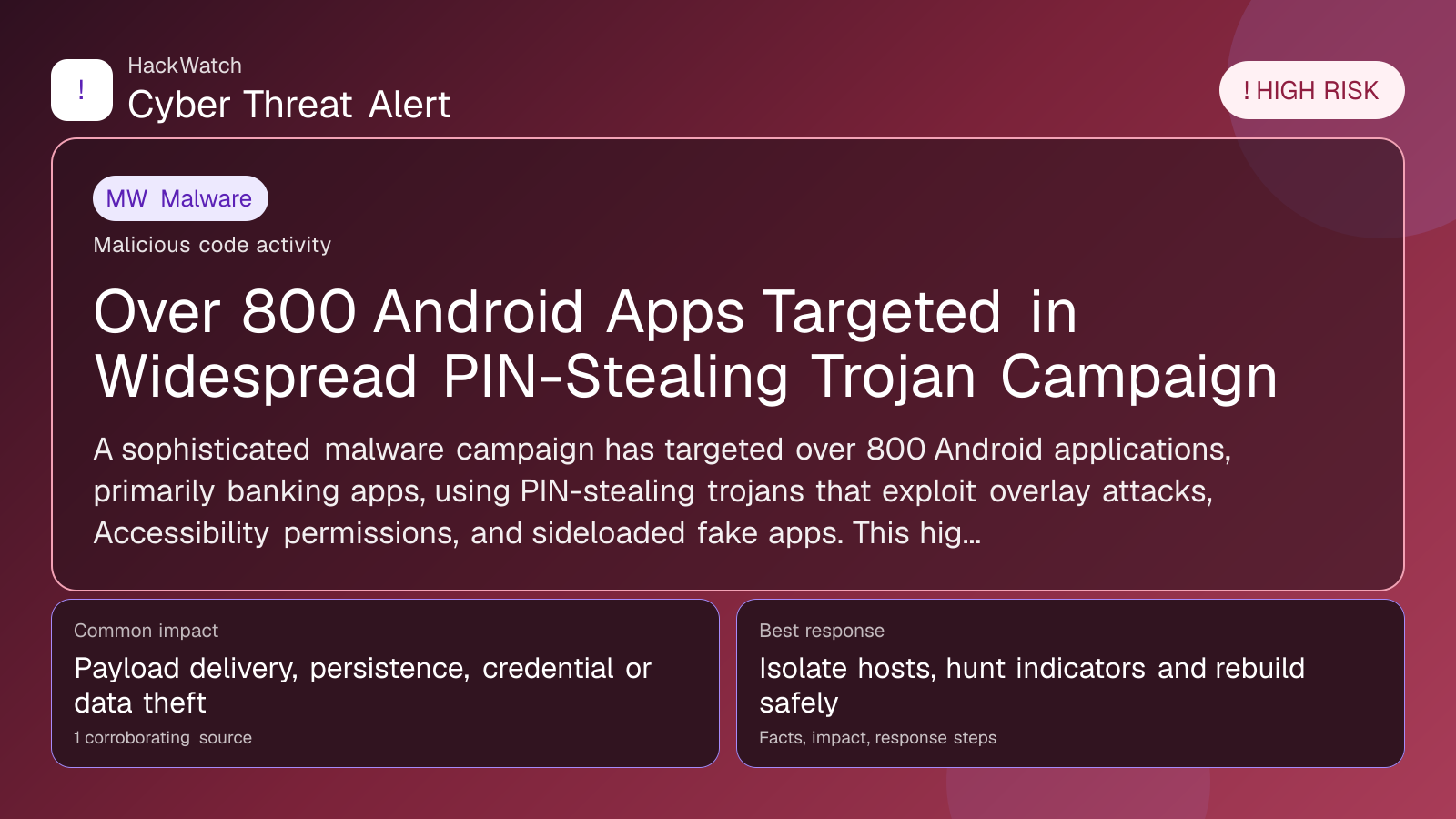
Over 800 Android Apps Targeted in Widespread PIN-Stealing Trojan Campaign
Malware coverage focused on infection paths, containment steps and indicators defenders should watch.

Published: Apr 20, 2026
Updated: May 01, 2026
Incident status: Active threat
Corroborating sources: 1
Technical review credentials: Security+ evidence | RHCSA evidence | JNCIS-SEC evidence
Trust note:This alert is maintained under HackWatch's editorial policy, with visible source records, a named responsible editor and a correction channel for disputed facts.
The published article is checked against public sources before publication, and material corrections are reflected in the article update date.
Technical reviewer note: Marcin Pocztowski reviewed this alert on May 01, 2026 for infrastructure impact, containment order and whether persistence or lateral-movement claims are supported by evidence. His administrator note is concrete: isolate the host or segment first, protect logs and network telemetry, then rebuild, rotate or patch only within the scope supported by the 1 corroborating source, the same cautious sequence he would use around managed router and server environments.
Review our editorial policy or send corrections to [email protected].
Active threat. The incident should still be treated as active until confirmed mitigation or patch adoption is verified.
A sophisticated malware campaign has targeted over 800 Android applications, primarily banking apps, using PIN-stealing trojans that exploit overlay attacks, Accessibility permissions, and sideloaded fake apps. This high-risk threat compromises user credentials and financial security, demanding immediate user vigilance and updated security practices in 2026.
What happened
In early 2026, cybersecurity researchers uncovered a large-scale Android malware campaign targeting more than 800 apps, predominantly banking and financial applications. This campaign involves multiple trojan variants that steal users' PINs and sensitive credentials by exploiting Android's overlay features, abusing Accessibility Service permissions, and distributing sideloaded fake apps designed to mimic legitimate ones.
These trojans deploy sophisticated overlay attacks that place fake login screens over real apps, tricking users into entering their PINs and other authentication data. The malware also leverages Accessibility permissions to monitor user interactions and bypass security controls, enabling seamless credential theft without raising immediate suspicion.
Confirmed facts
- Four distinct Android banking malware campaigns have been identified, each targeting a broad range of over 800 apps.
- The attack vectors include overlay attacks, misuse of Accessibility permissions, and sideloaded fake apps.
- Targeted apps span major banking institutions and popular financial services, increasing the potential impact on users worldwide.
- The malware is distributed through deceptive channels, including phishing links, fake app stores, and sideloading prompts.
- Victims report unauthorized transactions and account takeovers following infection.
Who is affected
This campaign primarily affects Android users who use mobile banking and financial apps. Given the extensive list of over 800 targeted apps, users of both major and regional banks are at risk. Those who sideload apps from unofficial sources or click on suspicious links are particularly vulnerable. Additionally, users who grant Accessibility permissions indiscriminately or do not verify app authenticity are at heightened risk.
What to do now
- Immediately review installed apps: Uninstall any apps from unofficial sources or those you do not recognize.
- Check app permissions: Revoke Accessibility permissions from apps that do not require them.
- Update all apps and Android OS: Ensure you have the latest security patches.
- Avoid sideloading apps: Only download apps from the official Google Play Store.
- Monitor bank accounts: Look for unauthorized transactions and report suspicious activity to your bank.
- Use multi-factor authentication (MFA): Enable MFA on all financial accounts to add an extra security layer.
How to secure yourself
- Install reputable security software: Use antivirus and anti-malware apps that can detect overlay attacks and trojans.
- Be cautious with permissions: Only grant Accessibility permissions when absolutely necessary and understand why the app needs them.
- Verify app authenticity: Check developer information and user reviews before installing apps.
- Avoid clicking on unsolicited links: Especially those received via SMS, email, or social media.
- Regularly back up data: Maintain secure backups to recover data in case of compromise.
FAQ
How can I tell if my Android device is infected with a PIN-stealing trojan?
Signs include unexpected app behavior, unauthorized bank transactions, frequent app crashes, or unusual battery drain. Additionally, if your bank alerts you to suspicious activity, it may indicate compromise.
Are only banking apps targeted in this campaign?
While the primary focus is on banking and financial apps, over 800 apps across various categories are targeted, including payment services and digital wallets.
Can Google Play Protect detect these trojans?
Google Play Protect improves detection but may not catch all variants, especially those distributed via sideloading or fake app stores.
What makes Accessibility permissions dangerous in this context?
Malware abuses Accessibility permissions to monitor user input, interact with apps on behalf of the user, and bypass security prompts, facilitating stealthy credential theft.
Is sideloading apps safe?
Sideloading apps from unofficial sources significantly increases the risk of installing malware and should be avoided unless absolutely necessary and verified.
How does the overlay attack work?
The malware displays a fake login screen over a legitimate app, tricking users into entering their PINs, which are then captured by the attacker.
What should I do if I suspect my banking app was compromised?
Immediately change your banking credentials from a secure device, contact your bank to report the incident, and monitor your accounts for unauthorized transactions.
Are iOS users affected by this campaign?
This campaign specifically targets Android devices due to the platform's permission model and sideloading capabilities; iOS users are not affected by this particular threat.
How has Android security changed in 2026 to address these threats?
Android has tightened permissions related to Accessibility services and overlays, but user education remains critical as attackers exploit social engineering to bypass these controls.
Why this matters
This campaign underscores the persistent and evolving threat landscape targeting mobile banking users. With over 800 apps affected, the scale of potential financial fraud and identity theft is significant. Users’ financial security depends on understanding these attack methods and adopting proactive security measures. The abuse of Accessibility permissions and overlay attacks highlights the need for both platform-level defenses and user vigilance.
Sources and corroboration
This article synthesizes information from multiple cybersecurity reports and analysis, primarily based on the detailed investigation published by TechRepublic on April 20, 2026, corroborated by additional threat intelligence sources monitoring Android malware campaigns.
- https://www.techrepublic.com/article/news-android-malware-stealing-pin-overlay-attack/
Sources used for this article
techrepublic.com