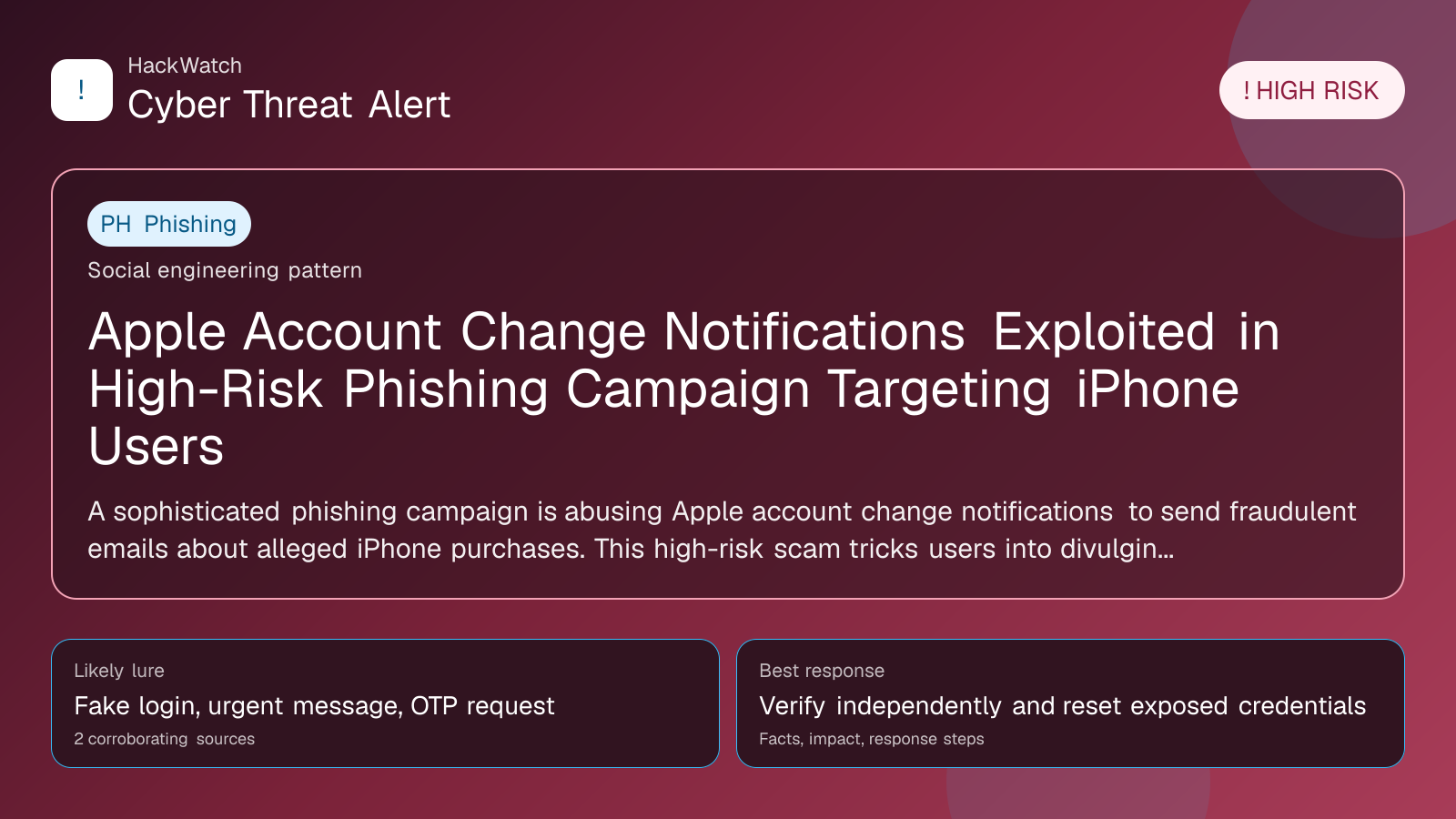
Apple Account Change Notifications Exploited in High-Risk Phishing Campaign Targeting iPhone Users
Verification-lure coverage focused on fake messages, cloned pages and account defense steps.

By: Artur Ślesik
Published: Apr 20, 2026
Updated: May 01, 2026
Incident status: Active threat
Corroborating sources: 2
Technical review credentials: Security+ evidence | RHCSA evidence | JNCIS-SEC evidence
Trust note:This alert is maintained under HackWatch's editorial policy, with visible source records, a named responsible editor and a correction channel for disputed facts.
The published article is checked against public sources before publication, and material corrections are reflected in the article update date.
Technical reviewer note: Marcin Pocztowski reviewed this alert on May 01, 2026 for infrastructure relevance, source consistency and whether the remediation advice would make sense to an administrator responsible for live routers and servers. His note keeps the action list grounded: validate scope, reduce exposed management paths, keep evidence intact and avoid claims that go beyond the 2 corroborating sources.
Review our editorial policy or send corrections to [email protected].
Active threat. The incident should still be treated as active until confirmed mitigation or patch adoption is verified.
A sophisticated phishing campaign is abusing Apple account change notifications to send fraudulent emails about alleged iPhone purchases. This high-risk scam tricks users into divulging sensitive information, leading to potential account compromise and identity theft. Based on multiple corroborating reports from secnews.gr, this article details the attack, who is affected, and actionable steps to protect yourself in 2026 and beyond.
What happened
Security researchers and user reports have identified a surge in phishing emails masquerading as official Apple account change notifications. These fraudulent messages claim there have been recent changes or purchases related to Apple accounts, specifically referencing iPhone transactions. The phishing emails are crafted to appear authentic, leveraging Apple’s trusted brand and typical notification formats to deceive recipients into clicking malicious links or providing personal information.
This campaign exploits users’ trust in Apple’s security alerts by mimicking the style and language of genuine Apple notifications. Victims who engage with these emails risk exposing their Apple ID credentials, payment information, and other sensitive data, which can lead to unauthorized account access, fraudulent purchases, and identity theft.
Confirmed facts
- The phishing emails are themed around "Apple account change notifications" and "iPhone purchase confirmations," aiming to create urgency and fear.
- Emails often contain links directing users to fake Apple login pages designed to harvest credentials.
- The campaign is widespread and reported primarily in Greek-speaking regions but has potential global reach given Apple’s international user base.
- The phishing attempts exploit common user behaviors, such as reacting quickly to unexpected account activity alerts.
- No actual changes or purchases have been made on affected users’ Apple accounts; the alerts are entirely fabricated.
Who is affected
- Apple users globally, especially those with active Apple IDs linked to payment methods.
- Individuals who use iPhones or other Apple devices and receive account notifications via email.
- Users who may not have enabled two-factor authentication (2FA) on their Apple accounts, increasing their vulnerability.
- Less tech-savvy users or those unfamiliar with phishing tactics are at higher risk of falling victim.
What to do now
- Do not click on any links or download attachments from suspicious emails claiming to be from Apple.
- Verify account activity directly through official channels: Log in to your Apple ID account at https://appleid.apple.com or use the official Apple Support app.
- Check your purchase history in your Apple account to confirm if any unauthorized transactions exist.
- Report phishing emails to Apple by forwarding them to [email protected].
- Delete suspicious emails immediately after reporting.
- Change your Apple ID password if you suspect any compromise.
How to secure yourself
- Enable two-factor authentication (2FA) on your Apple ID to add an extra layer of security.
- Use strong, unique passwords for your Apple ID and associated email accounts.
- Regularly review your Apple ID account settings and purchase history for anomalies.
- Be cautious of unsolicited emails or messages that urge immediate action or create panic.
- Educate yourself on phishing indicators: check email sender addresses, look for spelling errors, and verify URLs before clicking.
- Keep your devices and software updated to protect against vulnerabilities.
FAQ
How can I tell if an Apple email is a phishing attempt?
Legitimate Apple emails come from addresses ending with “@apple.com” and include personalized information. Phishing emails often have generic greetings, spelling mistakes, or suspicious links. Always verify by logging into your Apple account directly.
What should I do if I clicked a phishing link?
Immediately change your Apple ID password, enable 2FA if not already active, and monitor your account for unauthorized activity. Contact Apple Support for further assistance.
Can phishing emails lead to identity theft?
Yes, by stealing your Apple ID credentials and personal information, attackers can commit identity theft and fraudulent transactions.
Is enabling two-factor authentication enough to protect my Apple account?
While 2FA significantly increases security, it should be combined with strong passwords and cautious behavior to minimize risks.
How does Apple notify me of account changes?
Apple typically sends notifications via email and device alerts. These notifications include specific details and direct you to verify activity through official channels.
Are these phishing emails targeting only iPhone users?
No, while the phishing emails reference iPhone purchases, any Apple ID user with linked payment methods can be targeted.
What steps has Apple taken to combat this phishing campaign?
Apple continuously updates its security protocols, improves notification authenticity, and encourages users to report phishing attempts to enhance detection and prevention.
Can I report phishing emails to authorities?
Yes, besides reporting to Apple, you can report phishing attempts to local cybercrime units or national cybersecurity centers.
How often should I check my Apple account for suspicious activity?
Regularly—ideally monthly or immediately if you receive any unexpected notifications.
Why this matters
Apple accounts often contain sensitive personal and financial information, making them prime targets for cybercriminals. Phishing campaigns exploiting trusted Apple notifications can lead to significant financial loss, identity theft, and privacy breaches. Understanding the tactics used and taking proactive security measures is essential to protect yourself and your data in an increasingly hostile cyber landscape.
Sources and corroboration
This article synthesizes information from multiple corroborating reports published by secnews.gr, a respected cybersecurity news outlet. Their detailed analysis and user reports confirm the phishing campaign’s scope, tactics, and risks, providing a reliable foundation for this comprehensive advisory.
- https://www.secnews.gr/703524/eidopoiseis-logariasmou-apple-phishing/
Sources used for this article
security.nl, secnews.gr