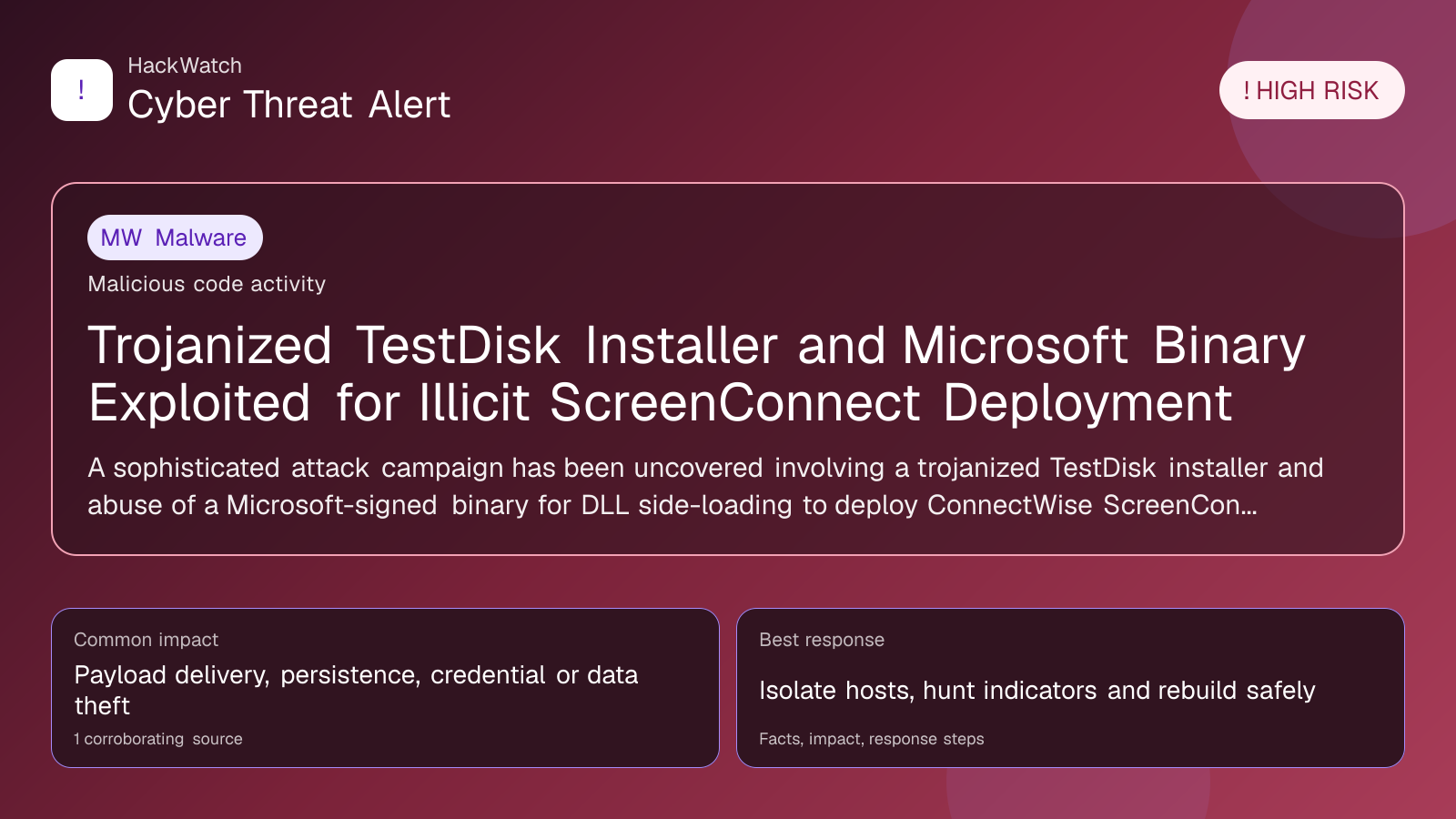
Trojanized TestDisk Installer and Microsoft Binary Exploited for Illicit ScreenConnect Deployment
Malware coverage focused on infection paths, containment steps and indicators defenders should watch.

Published: Apr 21, 2026
Updated: May 01, 2026
Incident status: Resolved or patched
Corroborating sources: 1
Technical review credentials: Security+ evidence | RHCSA evidence | JNCIS-SEC evidence
Trust note:This alert is maintained under HackWatch's editorial policy, with visible source records, a named responsible editor and a correction channel for disputed facts.
The published article is checked against public sources before publication, and material corrections are reflected in the article update date.
Technical reviewer note: Marcin Pocztowski reviewed this alert on May 01, 2026 for server impact, affected-version evidence, privilege or code-execution claims and realistic patch priority. His remediation note follows the same discipline he would use around Juniper routers and production servers: verify scope, preserve useful logs, reduce exposed management access and only then apply the fix or compensating control supported by the 1 corroborating source.
Review our editorial policy or send corrections to [email protected].
Resolved or patched. Source coverage indicates that a fix or formal remediation has been published. Verify that updates are applied in your environment.
A sophisticated attack campaign has been uncovered involving a trojanized TestDisk installer and abuse of a Microsoft-signed binary for DLL side-loading to deploy ConnectWise ScreenConnect software illicitly. This tactic, linked to search engine optimization poisoning, enables threat actors to gain persistent remote access, posing high risk to affected users and organizations.
# Trojanized TestDisk Installer and Microsoft Binary Exploited for Illicit ScreenConnect Deployment
What happened
Security researchers have identified a high-risk attack campaign leveraging a trojanized version of the popular TestDisk data recovery tool installer. In parallel, attackers exploited a Microsoft-signed binary to perform DLL side-loading, a technique that injects malicious code by loading a rogue DLL in place of a legitimate one. This method was used to clandestinely deploy ConnectWise ScreenConnect, a legitimate remote monitoring and management (RMM) software, enabling attackers to establish persistent remote access.
This campaign is part of a broader search engine optimization (SEO) poisoning operation, where threat actors manipulate search results to lure victims into downloading the compromised TestDisk installer. Once installed, the malicious software side-loads ScreenConnect without user consent or awareness, effectively turning the victim’s machine into a backdoor for remote control.
Confirmed facts
- The trojanized TestDisk installer is distributed via poisoned SEO links, often appearing in top search results for legitimate data recovery queries.
- Attackers exploit a Microsoft-signed binary vulnerable to DLL side-loading, bypassing many endpoint security defenses due to the binary’s trusted signature.
- ConnectWise ScreenConnect is deployed illicitly, allowing attackers to remotely monitor, manage, and control infected systems.
- The attack chain has been confirmed by multiple cybersecurity sources, including GBHackers News and scmagazine.com.
- This campaign targets Windows systems primarily, leveraging both social engineering and technical exploitation.
Who is affected
- Individuals searching for data recovery tools like TestDisk are at risk of downloading the trojanized installer.
- Small to medium-sized businesses using Windows environments are particularly vulnerable due to the widespread use of ScreenConnect in legitimate RMM contexts.
- Security teams may face challenges detecting this attack because it abuses trusted Microsoft binaries and legitimate software.
- Users relying solely on signature-based antivirus solutions are at higher risk, as the malicious payloads leverage trusted signatures and side-loading techniques.
What to do now
- Verify Downloads: Always download TestDisk and similar utilities from official sources or verified repositories. Avoid clicking on search engine results that seem suspicious or are from unverified domains.
- Scan Systems: Use advanced endpoint detection and response (EDR) tools capable of detecting DLL side-loading and unusual ScreenConnect deployments.
- Monitor Network Traffic: Look for unexpected remote connections or ScreenConnect-related traffic originating from endpoints.
- Update Security Software: Ensure antivirus and anti-malware solutions are up-to-date and configured to detect side-loading and unauthorized remote access tools.
- Educate Users: Train users to recognize phishing and SEO poisoning tactics that may lead to downloading trojanized software.
How to secure yourself
- Use Application Whitelisting: Restrict execution to only approved applications and binaries, preventing unauthorized DLLs from loading.
- Implement Multi-Factor Authentication (MFA): For any remote access tools, including ScreenConnect, enforce MFA to mitigate unauthorized access.
- Regularly Audit Installed Software: Identify and remove unauthorized or suspicious remote management tools.
- Employ Behavioral Analytics: Detect anomalies in user and system behavior that may indicate remote compromise.
- Patch and Harden Systems: Keep operating systems and software patched to reduce vulnerabilities that facilitate DLL side-loading.
FAQ
What is a trojanized installer?
A trojanized installer is a legitimate software installation package that has been modified to include malicious code, allowing attackers to compromise systems when users install the software.
How does DLL side-loading work?
DLL side-loading exploits the way Windows loads dynamic link libraries (DLLs), tricking a legitimate application into loading a malicious DLL instead of the intended one.
Why is ScreenConnect used by attackers?
ScreenConnect is a legitimate remote access tool, but attackers use it illicitly to maintain persistent, stealthy control over compromised systems.
How can I tell if my system is infected?
Signs include unexpected remote connections, unknown ScreenConnect sessions, unusual DLL loads, or performance degradation. Using advanced security tools can help detect infections.
Is downloading TestDisk from its official site safe?
Yes, downloading from the official TestDisk website or reputable sources is safe. Avoid third-party sites or suspicious links.
What is SEO poisoning?
SEO poisoning manipulates search engine rankings to promote malicious sites or downloads, tricking users into visiting harmful pages.
Can antivirus detect this attack?
Traditional antivirus may struggle due to trusted signatures and side-loading. Advanced EDR and behavioral analytics improve detection.
What steps should businesses take to protect themselves?
Implement application whitelisting, enforce MFA, monitor network traffic, educate employees, and maintain up-to-date security solutions.
Has Microsoft addressed DLL side-loading vulnerabilities?
Microsoft has introduced enhanced protections and stricter signing policies, but attackers adapt quickly, so continuous vigilance is necessary.
Why this matters
This attack highlights the increasing sophistication of threat actors who blend social engineering with technical exploits like DLL side-loading and SEO poisoning. By abusing trusted binaries and legitimate remote management tools, attackers evade traditional defenses and gain persistent access, threatening data integrity and privacy. Understanding this threat vector is critical for both individuals and organizations to implement effective detection and mitigation strategies.
Sources and corroboration
- GBHackers News: Analysis of trojanized TestDisk installer and DLL side-loading abuse
- SC Magazine: Reporting on illicit ScreenConnect deployment via Microsoft binary exploitation
- Multiple cybersecurity research reports confirming SEO poisoning and remote access deployment tactics
---
Stay vigilant and ensure your software downloads come from trusted sources. Continuous monitoring and adopting modern security controls remain essential defenses against evolving attack methods like these.
Sources used for this article
scmagazine.com