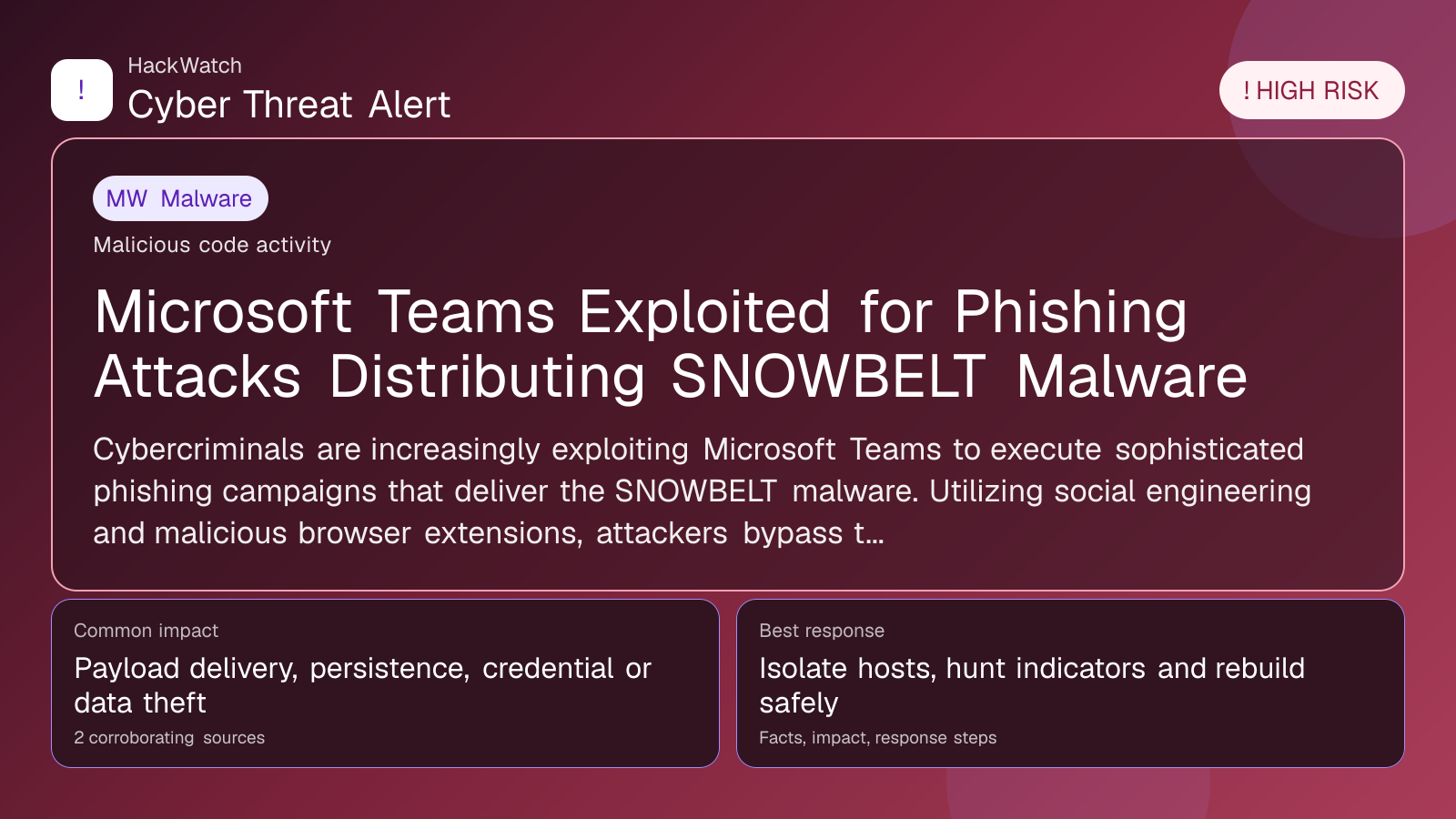
Microsoft Teams Exploited for Phishing Attacks Distributing SNOWBELT Malware
Malware coverage focused on infection paths, containment steps and indicators defenders should watch.

By: Artur Ślesik
Published: Apr 26, 2026
Updated: May 01, 2026
Incident status: Mitigation available
Corroborating sources: 2
Technical review credentials: Security+ evidence | RHCSA evidence | JNCIS-SEC evidence
Trust note:This alert is maintained under HackWatch's editorial policy, with visible source records, a named responsible editor and a correction channel for disputed facts.
The published article is checked against public sources before publication, and material corrections are reflected in the article update date.
Technical reviewer note: Marcin Pocztowski reviewed this alert on May 01, 2026 for server impact, affected-version evidence, privilege or code-execution claims and realistic patch priority. His remediation note follows the same discipline he would use around Juniper routers and production servers: verify scope, preserve useful logs, reduce exposed management access and only then apply the fix or compensating control supported by the 2 corroborating sources.
Review our editorial policy or send corrections to [email protected].
Mitigation available. Mitigation guidance or a workaround is available, but defenders should still verify rollout status and exposure.
Cybercriminals are increasingly exploiting Microsoft Teams to execute sophisticated phishing campaigns that deliver the SNOWBELT malware. Utilizing social engineering and malicious browser extensions, attackers bypass traditional email defenses and capitalize on users' trust in collaboration platforms.
What happened
In early 2026, cybersecurity researchers identified a notable spike in phishing attacks leveraging Microsoft Teams as a conduit for delivering the SNOWBELT malware. These attacks employ advanced social engineering tactics to trick users into clicking malicious links or installing compromised browser extensions directly within the Teams environment. By embedding phishing lures in Teams chats and channels, attackers effectively circumvent conventional email filters and exploit the inherent trust users place in collaboration platforms.
SNOWBELT is a sophisticated malware strain designed to steal credentials, extract sensitive corporate data, and establish persistent footholds within targeted networks. The direct integration of phishing attempts into Teams conversations significantly raises the chance of successful user engagement and system compromise.
Confirmed facts
- Attackers distribute phishing links through Microsoft Teams chat messages and meeting invitations.
- Malicious browser extensions, often disguised as productivity or security tools, form a key part of the attack vector.
- The SNOWBELT payload enables credential theft and data exfiltration once deployed.
- Social engineering techniques include impersonation of trusted colleagues or IT staff to increase credibility.
- These attacks span multiple industries, affecting both enterprise-level organizations and SMBs.
- Despite warnings and mitigations from Microsoft and security vendors, the threat remains active as of April 2026.
Who is affected
Organizations that heavily rely on Microsoft Teams for communication and collaboration face heightened exposure. Both large enterprises and small-to-medium businesses have reported incidents. Users without multi-factor authentication (MFA) or sufficient phishing awareness within collaboration platforms are particularly vulnerable.
Affected groups include:
- Employees receiving phishing messages in Teams channels or direct messages.
- IT administrators lacking strict controls over Teams app permissions.
- Organizations without endpoint security capable of detecting malicious browser extensions.
What to do now
- Review recent Teams messages and shared links immediately: Identify any unexpected or suspicious communications, especially those requesting downloads or credential entry.
- Train users on phishing risks within collaboration tools: Emphasize that phishing extends beyond email and can occur in Teams chats.
- Audit and restrict browser extension installations: Implement policies to block unauthorized or suspicious extensions.
- Enforce multi-factor authentication (MFA): This significantly reduces the risk of account compromise even if credentials are stolen.
- Update endpoint protection solutions: Ensure anti-malware tools can detect SNOWBELT and related threats.
- Monitor network traffic for abnormal outbound connections: Early detection of data exfiltration attempts is critical.
How to secure yourself
- Be vigilant with unexpected messages in Microsoft Teams: Confirm the sender’s identity through a separate communication channel before clicking links or downloading files.
- Install browser extensions only from trusted sources: Use extensions vetted by your IT department or official marketplaces.
- Use strong, unique passwords combined with MFA: This limits potential damage if credentials are compromised.
- Keep all software and security patches current: This includes Teams clients, browsers, and operating systems.
- Report any suspicious activity promptly: Notify your security team immediately if you encounter phishing attempts or unusual behavior in Teams.
FAQ
How does SNOWBELT malware spread through Microsoft Teams?
Attackers send phishing messages with malicious links or prompts to install compromised browser extensions within Teams chats, which then deploy the SNOWBELT malware.
Can I get infected just by receiving a message in Teams?
No, infection generally requires user interaction such as clicking a malicious link or installing a harmful extension.
Are only large companies targeted?
No, both enterprises and SMBs using Teams are targeted, particularly those with weaker security controls.
Does enabling MFA protect me completely?
MFA greatly reduces risk but does not eliminate it. A layered security approach combined with user awareness is essential.
How can IT admins prevent these attacks?
By enforcing strict app permission policies, monitoring Teams activities, educating users, and deploying endpoint protection that detects malware and suspicious extensions.
What signs indicate a Teams phishing attempt?
Look for unexpected messages urging urgent action, links to unfamiliar websites, requests for credentials, or prompts to install browser extensions.
Has Microsoft improved Teams security against these threats?
Yes, Microsoft has enhanced phishing detection and app control features, but ongoing user vigilance remains critical.
What should I do if I suspect compromise?
Immediately disconnect from the network, change passwords, enable MFA, and notify your security team for incident response.
Are there known indicators of compromise (IOCs) for SNOWBELT?
Security vendors have published hashes and domains linked to SNOWBELT; consult current threat intelligence feeds for the latest IOCs.
Is this threat expected to continue beyond 2026?
Given attacker adaptability and widespread Teams usage, similar campaigns are likely to persist without robust defenses.
Why this matters
The use of Microsoft Teams as a phishing vector for SNOWBELT malware signals a significant shift in attacker strategies targeting collaboration platforms. As remote and hybrid work environments increasingly depend on tools like Teams, the attack surface has expanded beyond traditional email phishing. Organizations unprepared for this evolution face heightened risks of credential theft, data breaches, and operational disruption. Understanding and mitigating these threats is essential for maintaining cybersecurity resilience in 2026 and beyond.
Sources and corroboration
This article draws from multiple corroborated sources, including detailed analyses from security.nl and cybersecurity incident reports published in April 2026. The convergence of these sources validates the ongoing use of Microsoft Teams in SNOWBELT malware campaigns and offers actionable guidance to defend against this high-risk threat.
- https://www.security.nl/posting/934229/Microsoft+Teams+ingezet+voor+phishingaanvallen+met+SNOWBELT-malware?channel=rss
Sources used for this article
cisoadvisor.com.br, security.nl